405.94 ALIS
  201.60 ALIS


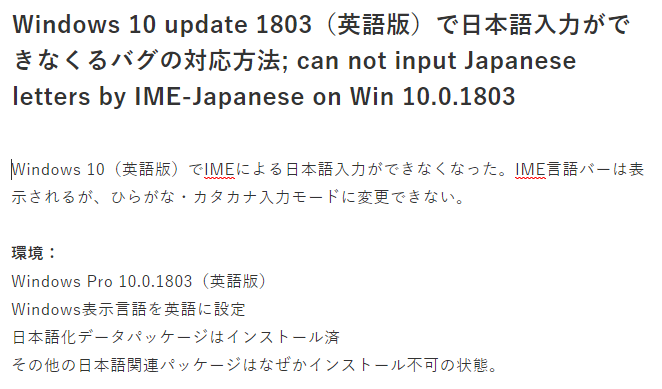
Windows 10(英語版)でIMEによる日本語入力ができなくなった。IME言語バーは表示されるが、ひらがな・カタカナ入力モードに変更できない。
IME can not input Japanese letter on Windows 10 Pro (English version). The IME bar is diplayed, however it can not change into Hiragana / Katakana input modes.
環境:
Windows Pro 10.0.1803(英語版)
Windows表示言語を英語に設定
日本語化データパッケージはインストール済
その他の日本語関連パッケージはなぜかインストール不可の状態。
原因:IME日本語辞書関連ファイルにエラーがあると予想される。(詳細の調査はしていない)
Cause: IME JP dictionary seemed to have errors on this Windows version.
解決方法:
管理者でWindowsにログインし、正常にIME日本語入力ができるWindows 10の下記の日本語辞書関連ファイルディレクトリを、IME日本語入力が正常にできないWindows10にコピーする。
Solution: copy the following IME dictionary directory from IME JP working Windows to non-IME JP working Windows.
IME dictionary directory "C:\Windows\IME\IMEJP\DICTS "
操作例:以下の操作を管理者ユーザーで実行する。
1:IME日本語入力が正常に動作しないWindows Pro 10.0.1803のIME辞書関連ファイルディレクトリ"C:\Windows\IME\IMEJP\DICTS "のバックアップコピーを作成する。
Bakcup IME dictionary data directory ,"C:\Windows\IME\IMEJP\DICTS " on Windows Pro 10.0.1803.
2:IME日本語入力が正常に動作するWindows Pro 10.0.16299のIME辞書関連ファイルディレクトリ"C:\Windows\IME\IMEJP\DICTS "の内容を、IME日本語入力が正常に動作しないWindows Pro 10.0.1803のIME辞書関連ファイルディレクトリ"C:\Windows\IME\IMEJP\DICTS "に上書きコピーする。使用中で上書きできないファイルの書き込みはSKIPする。
Copy the IME dictionary data directory "C:\Windows\IME\IMEJP\DICTS " from IME JP working Windows 10 to IME JP not-working Windows.
3:テキストエディタ上でIME日本語入力が可能であるか確認する。
check the IME JP input.
ーーーーーー
この方法で問題が解決した方は、宜しければコメントに環境・解決方法などを記載してください。
if you solved by this procedure, it is appreciated to leave a comments about environment.
〔終〕
0人がサポートしています
 11.94 ALIS 0.00 ALIS